
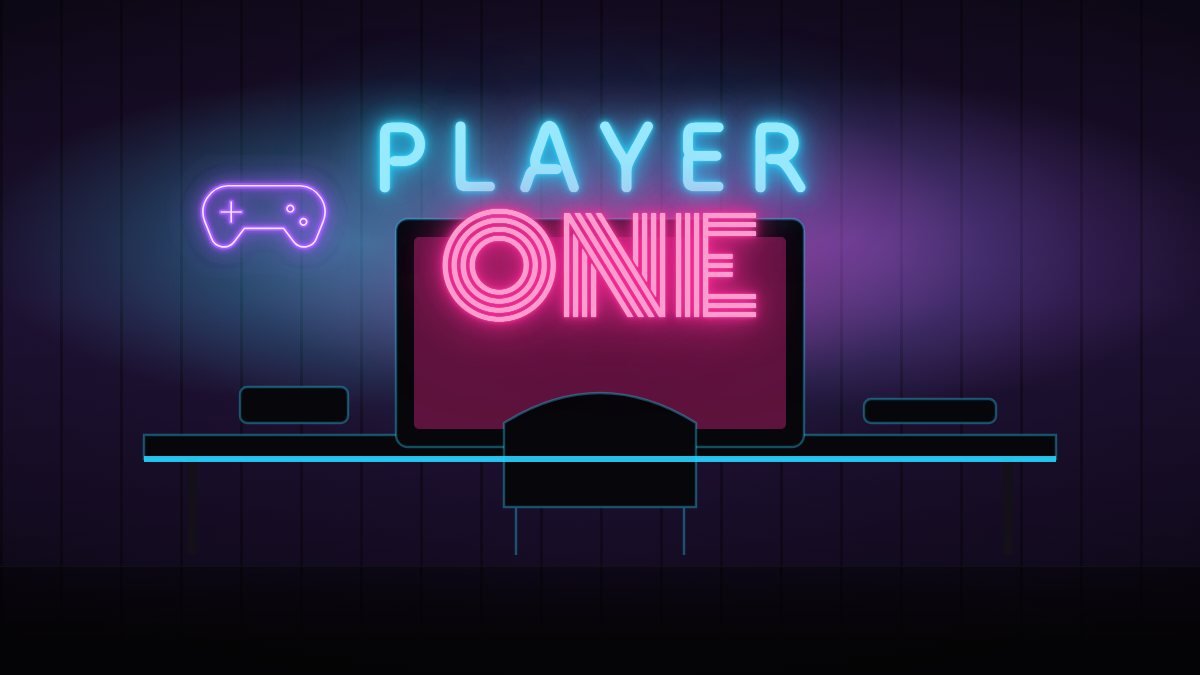
Your setup is part of your identity, especially if you stream or make videos. The right gaming room neon lights add depth behind you on camera and make the room feel finished.
Ideas for gamers
- Your gamer tag or channel name in a bold block font.
- A controller, headset or pixel heart icon.
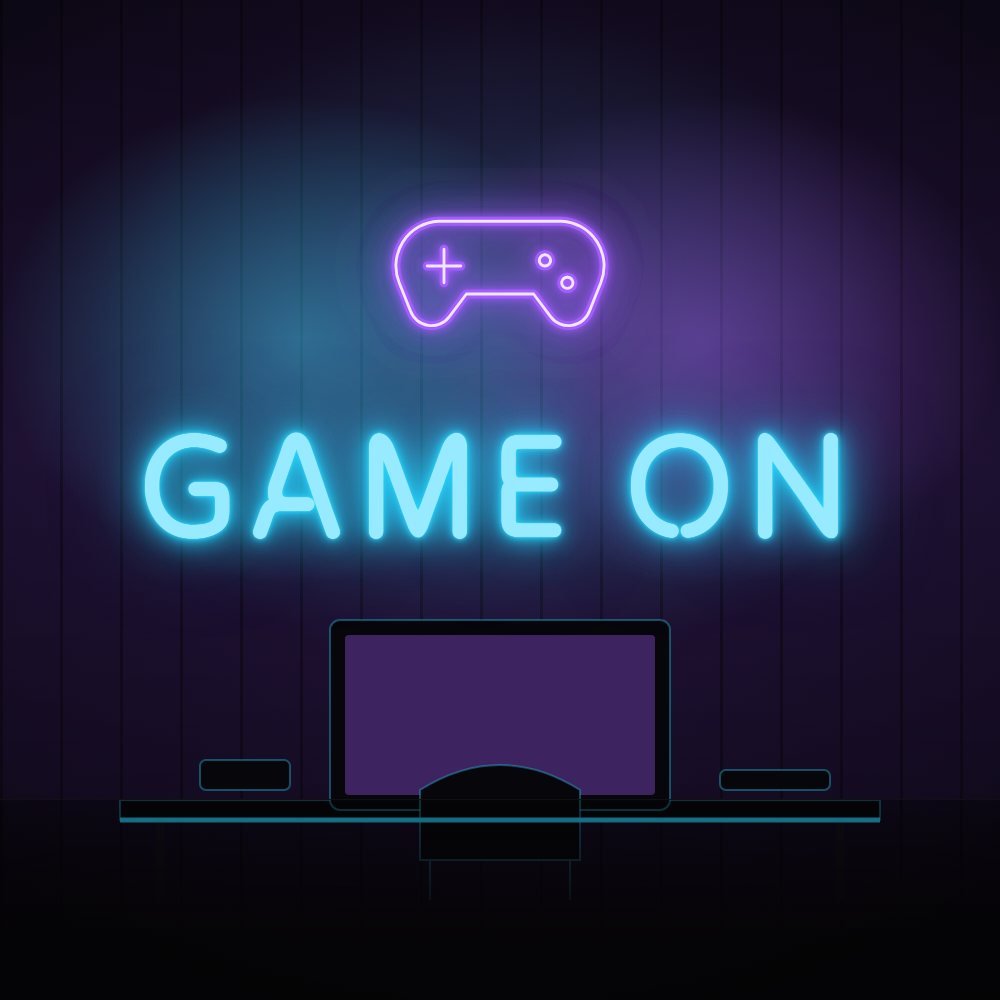
- Classic phrases: “Game on”, “Player one”, “GG”.
- Your clan or team logo for a shared setup.
Matching your RGB
Pick a neon colour that complements your keyboard, mouse and PC lighting rather than fighting it. Purple and cyan are popular because they blend with most RGB themes. A colour-changing Pixel flow sign can switch colour with your setup, or run chase and pulse effects.
Placement for streaming
- Mount the sign behind you, slightly off-centre, so it frames you without hiding behind your head.
- Keep it 30–60 cm above your head height in the camera frame.
- Use the dimmer so the sign does not overpower your face light.
Size
For a desk wall, 60–90 cm (2–3 ft) wide fills the frame nicely. Use the 1–4 ft ruler in the studio to check against your wall.
Design your gaming sign or browse ready-made gaming signs.